The Shared Vehicles layer displays the exact places where shared vehicles are available on the network.Vehicles in use or in mainteinance are not displayed.
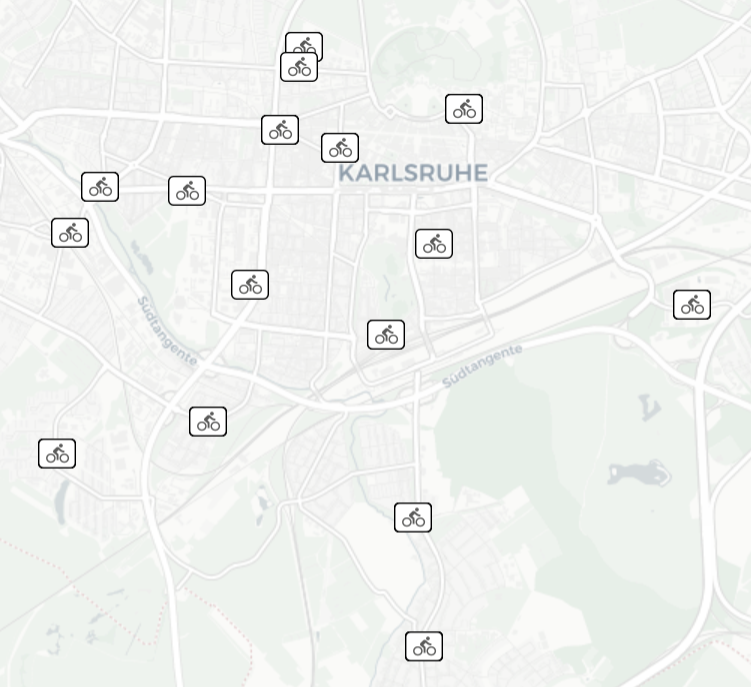
When you click on a vehicle icon, before showing the list of attributes, a pop-up window opens allowing you to select the specific vehicle spot from the list.
Tip: You can get the same result through the operation (→ Showing a selected item).
 LAYER INFO
| Info type | Description |
|---|---|

|
Available shared cars |
|
Available shared transport vehicles |

|
Available shared bikes |

|
Available shared motorcycles |
LAYER OPTIONS
| Option type | Description |
|---|---|
| Theme | You can choose from a set of graphical themes to represent the layer entities. |
Other common operations
- Select the layer in the ACTIVE LAYERS list.
- Click the
 List icon.
A pop-up window with a list of items opens. Every item represents a traffic light characterized by a set of attributes.
Other operations are available for the layer (→ Operations on layers).